
Address & Shipping Label Management
Select the orders. Print the labels. That is the whole job.
4×6 thermal or A4 four-up, with the delivery address, your return address and a Code128 barcode of the order number. Print a whole day in one go — and the unprinted filter becomes your packing list.
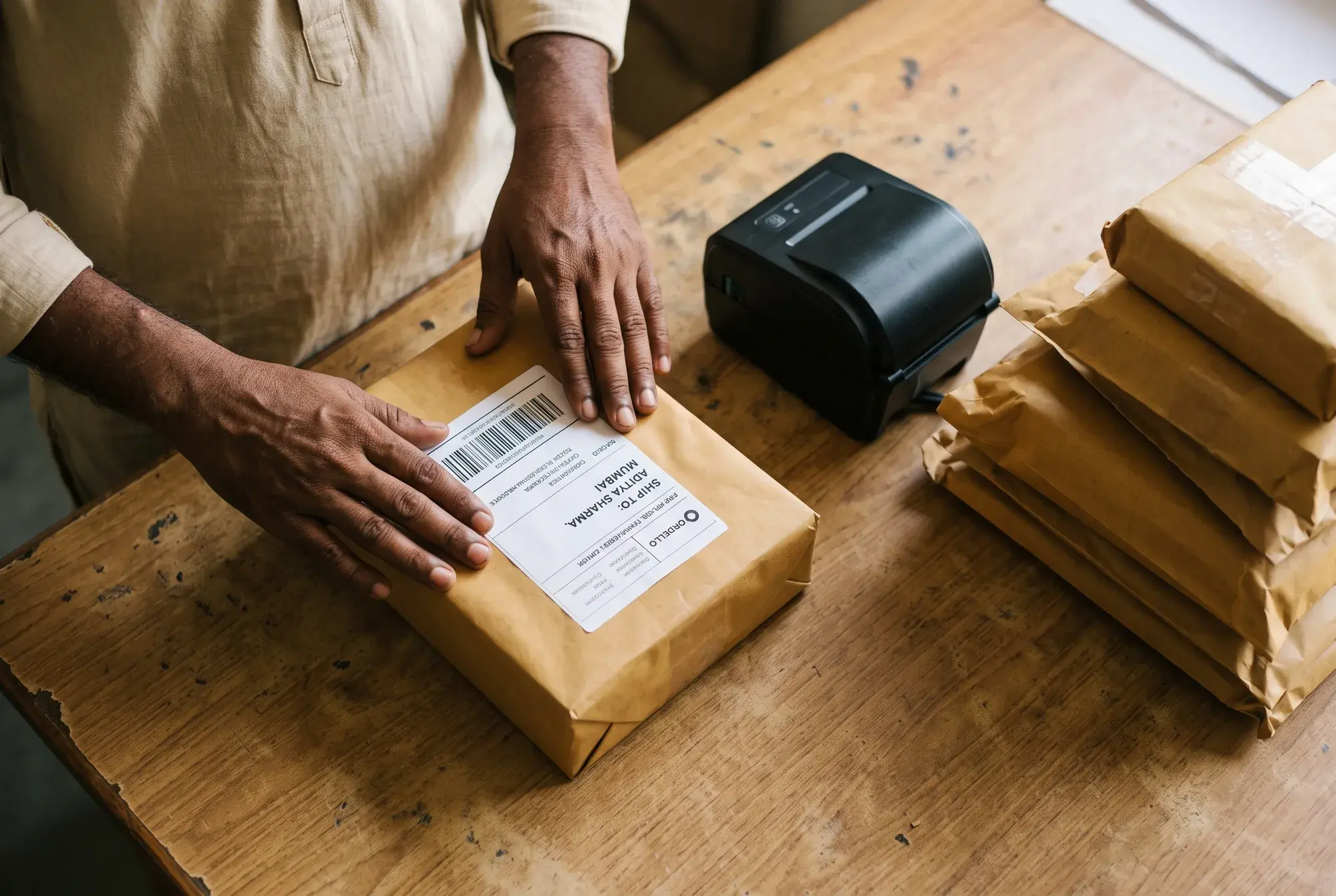
Ask any seller how they print addresses and the answer is usually the same: copy the address out of a chat, paste it into Word, resize it, print four to a page, cut them out. It takes twenty minutes a day and produces the occasional parcel that goes to the wrong person.
In Ordello the address is already structured data on the order, so a label is a selection and a click. Thermal printers get a proper 4×6; everyone else gets A4 with four labels laid out for cutting. Every label carries a barcode of the order number, so scanning it at the packing table pulls the order up instantly.
The same thing works from the mobile app at the packing table: tick the day's parcels and the labels go to your phone's print menu — a WiFi or USB label printer — or through Share to your Bluetooth label printer's own app. With only a Bluetooth receipt printer, the order slip prints straight from the phone with the address and the same barcode.
What it actually does
Address & shipping labels, specifically
4×6 thermal and A4 four-up layouts
Bulk print the whole day's orders at once
Code128 barcode of the order number on every label
Optional item list printed for packing
"Not yet printed" is your packing worklist
Print from the phone too, and order slips on a Bluetooth printer
Who this matters to
Sellers who need this most
Next
What usually goes with it
Address & shipping labels is part of the free trial
14 days of full Pro, no card. Then free forever, with nothing deleted.